Everything in one place
All videos, articles, news and resources, searchable and browsable.
INSIGHTS
Videos
103 totalGemini
8 videos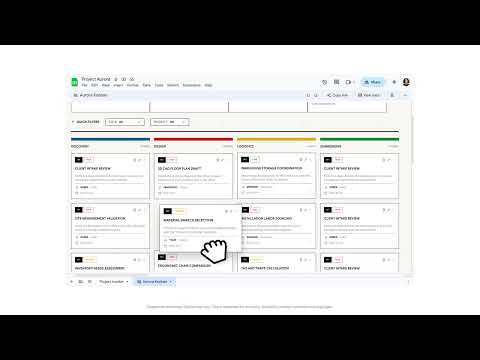
Shows how Sheets canvas can turn spreadsheet data into interactive mini-apps such as dashboards, kanban boards, and heat maps. Good for explaining how Google Sheets is moving from static tables to visual, app-like data experiences.
Focuses on generating complete, editable slide decks from a single prompt using Gemini in Google Slides. Relevant for users who want faster presentation creation while still keeping slides editable and aligned to work context.
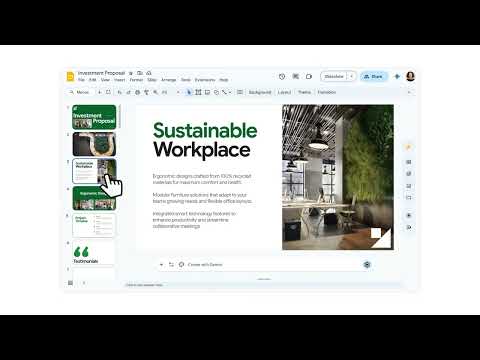
Introduces Workspace Intelligence as a unified AI layer across Google Workspace apps. Useful for understanding how Gemini can connect context across Gmail, Docs, Sheets, Slides, Drive, and other work tools.
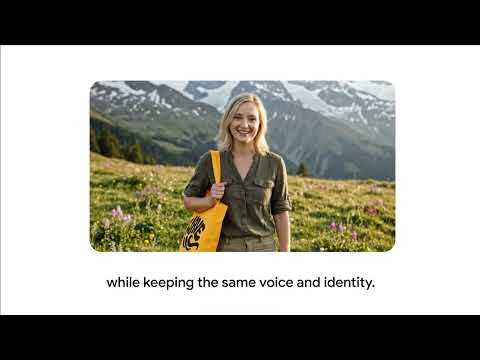
Covers direct avatars in Google Vids, where users can create more controlled avatar-based videos. Helpful for teams making explainers, training clips, product videos, or internal communication assets without recording a presenter every time.
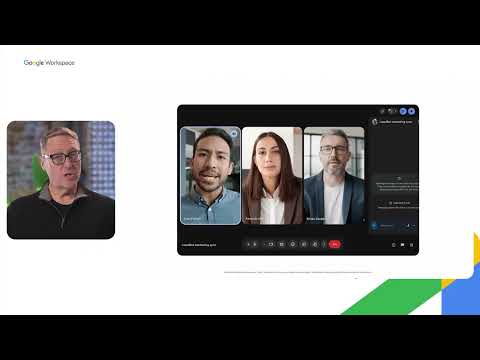
Explains how Google Chat can help teams continue momentum after meetings by keeping discussion, files, and follow-up work in one place. Useful for showing how meeting conversations can become clearer next steps instead of getting lost afterward.
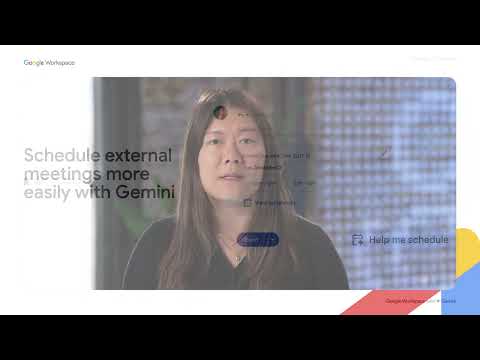
Demonstrates how Gemini can reduce back-and-forth in meeting scheduling by helping find suitable times. Good for showing practical AI support inside everyday calendar and coordination workflows.
Gives an overview of how Gemini helps create and refine work across Docs, Sheets, Slides, and Drive. Useful as a broader explainer for how Google Workspace is embedding AI into everyday content creation.

Shows how Nano Banana Pro can help create stronger visuals inside Google Slides. Relevant for users who want AI support in turning slide content into more polished, visual, presentation-ready outputs.
ChatGPT
22 videos
ChatGPT's new workspace agents handle complex, multi-tool workflows like lead qualification and report generation across teams. They operate with minimal supervision to move tasks forward while integrating team best practices and shared context.
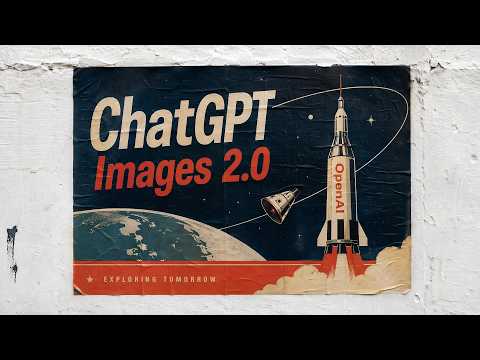
A new era of image generation. Video made with ChatGPT Images.
Shows how ChatGPT can analyze, update, and explain spreadsheets directly inside Excel and Google Sheets. Useful for teams that want AI help with models, formulas, data checks, and business insights without leaving the spreadsheet.
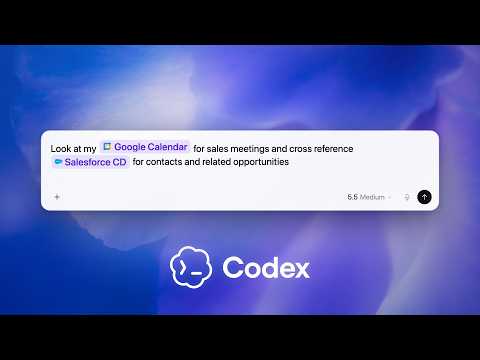
Demonstrates how Codex can pull context from Salesforce, Slack, Google Calendar, email, and docs to prepare for customer meetings. Relevant for sales teams that want one clear prep thread instead of switching across multiple tools.
Walks through how teams can connect their existing apps and bring work context into Codex quickly. Good for explaining Codex onboarding, app setup, and how connected context improves task execution.
A guided example of a reporting agent that pulls weekly metrics, creates charts, drafts the narrative, and prepares a business-ready report. Useful for showing how agents can automate recurring analytics and reporting workflows.
Shows an agent that reviews software requests, checks policies, compares approved tools, and creates follow-up IT tickets. Relevant for IT and procurement teams handling repeated software approval workflows.
Covers an agent that screens vendors for sanctions, financial, and reputational risk before creating a structured risk report. Useful for compliance, legal, procurement, and finance teams evaluating external partners.
Introduces GPT-5.5 as a new OpenAI model positioned for real work, reasoning, coding, and agentic task completion. Helpful for explaining the broader model upgrade behind newer ChatGPT, Codex, and workspace agent workflows.
Demonstrates an agent that qualifies inbound leads, gathers account context, drafts follow-ups, and supports CRM-related sales work. Strong example for showing how agents can reduce manual sales operations tasks.
Shows an agent that collects product feedback from channels like Slack, support conversations, and public forums, then routes insights for action. Useful for product teams that want to turn scattered feedback into clearer priorities.
Introduces shared Codex-powered agents that can handle complex tasks and long-running workflows across tools and teams. Useful as the overview video for understanding how workspace agents differ from regular GPTs.
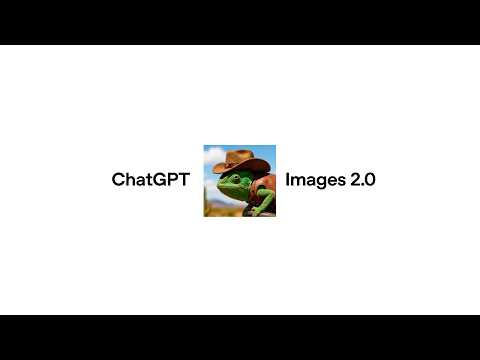
A creative showcase of ChatGPT Images 2.0 using a chameleon across many visual styles, scenes, and formats. Useful for showing how image generation can support storytelling, concept exploration, and campaign-style visual thinking.
Introduces ChatGPT Images 2.0 as a major upgrade for visual generation. Good for explaining how users can create richer, more polished images through prompts, with stronger control over style, layout, and visual detail.
Presents Codex as a broader work assistant, not just a coding tool. Covers how Codex can use apps on a Mac, connect to tools, create images, learn from previous actions, remember user preferences, and handle repeatable work.

Shows how ChatGPT can help users find gifts based on budget, preferences, and constraints. Useful for demonstrating AI-assisted product discovery where users can refine choices through conversation instead of browsing many tabs.

Focuses on using ChatGPT to browse, compare, and narrow down product options. Relevant for explaining how AI can simplify shopping research by turning scattered product information into a clearer decision path.
Explains Skills as reusable workflows for Business and Enterprise users. Helpful for showing how teams can package instructions, examples, and code so ChatGPT performs recurring tasks more consistently.
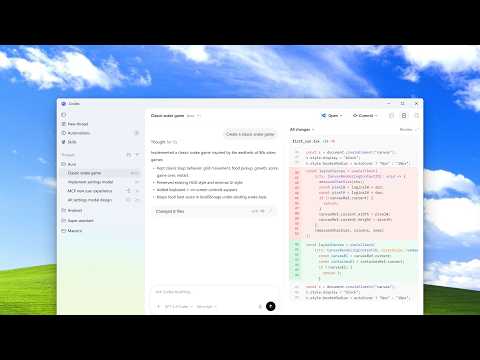
Announces the Codex desktop app for Windows with support for native Windows developer environments. Useful for developers who want to manage multiple coding agents, review diffs, and run Codex workflows without leaving Windows.

Demonstrates how users can interrupt a thinking model mid-response and add new details before the final answer is produced. Strong example for teaching users how to steer AI during complex tasks instead of waiting until the end.
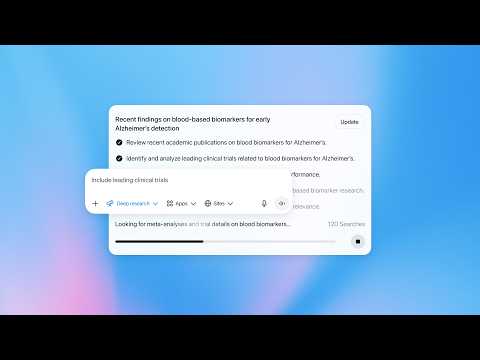
Covers updates to Deep Research, including connected apps, site-specific search, real-time progress tracking, interruptions, follow-up instructions, and fullscreen reports. Useful for explaining how ChatGPT can support deeper research workflows.
Introduces Prism as a workspace for researchers to write, edit, and collaborate on scientific documents. Useful for showing how AI can support research writing, LaTeX-style workflows, and academic collaboration in one place.
Claude
30 videos
This video covers the difference between Claude Code and Cowork, the 3-step framework for getting better results (outcome, context, format), 4 practical use cases (HTML visuals, presentations, reports, personal productivity), and the 3 key features you need to know (Skills, Connectors, Plugins).
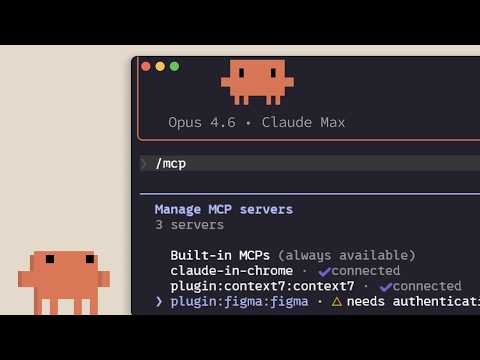
Explains how MCP helps Claude Code connect with external tools, systems, and data sources. Useful for understanding how AI coding agents can move beyond chat and work inside real developer workflows.

Jeff Su explains the key differences between Claude Chat and the desktop-based Claude Cowork. This guide explores local file access, persistent memory, connectors, and custom skills to help users automate complex workflows and manage tasks directly on their computers.
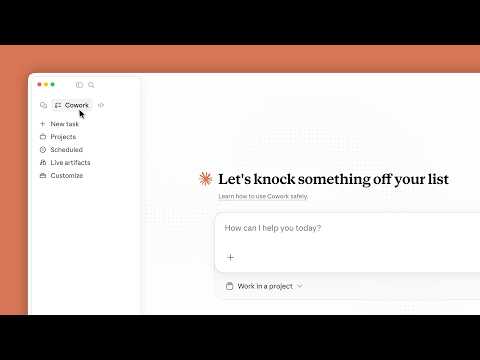
A practical walkthrough of Claude Cowork and how it can help with desktop-based work. Good for users who want Claude to assist with files, apps, editing, organizing, and everyday work outputs.
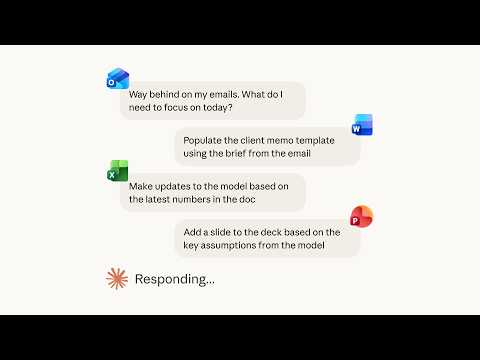
Covers how Claude can support work across Microsoft 365 apps like Outlook, Word, Excel, and PowerPoint. Useful for understanding how AI can bring context from different workplace tools into one workflow.
Introduces Claude Code as an agentic coding tool that can read a codebase, edit files, and run commands in the terminal. Helps viewers understand how Claude Code fits into developer workflows.
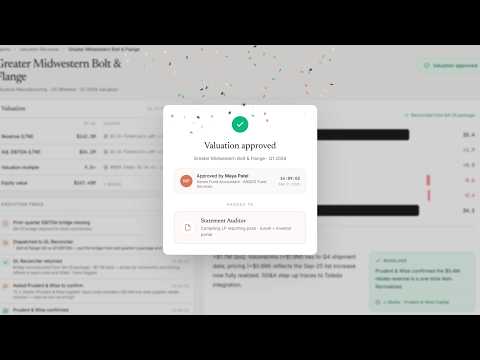
Shows how Claude’s finance-focused agents can support tasks like pitch creation, valuation reviews, KYC checks, and month-end close. Relevant for teams exploring AI agents for structured financial workflows.
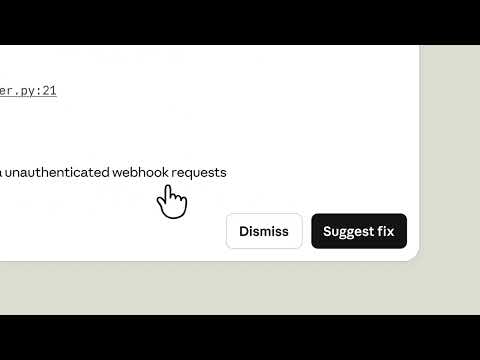
Covers Claude Security, a feature that scans codebases for vulnerabilities and suggests targeted software patches for review. Relevant for teams exploring how AI can support secure coding, code review, and vulnerability management.
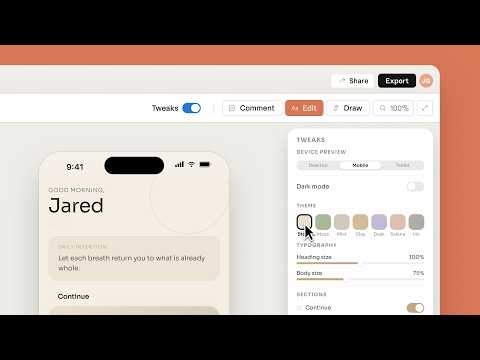
Introduces Claude Design, a visual creation tool for making polished outputs like prototypes, slides, one-pagers, and design assets. Useful for understanding how Claude is moving into creative and presentation-style workflows.
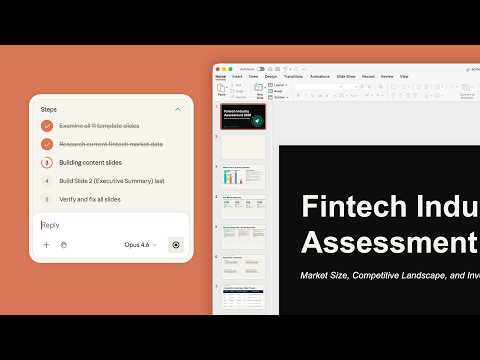
Focuses on using Claude inside PowerPoint to bring in external data and turn it into presentation-ready insights. Good for professionals who build data-backed decks and want fewer manual steps between analysis and slide creation.
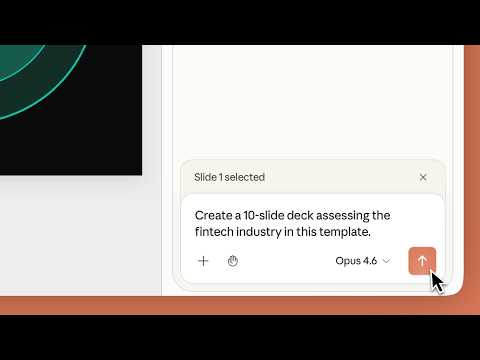
A beginner-friendly walkthrough on creating a PowerPoint presentation with Claude. Helpful for showing how Claude can build and refine slides directly inside the presentation workflow.
Explains what hallucinations mean in AI, why models may produce confident but incorrect answers, and how users can spot such errors. Useful as a simple explainer for building AI literacy and responsible usage habits.
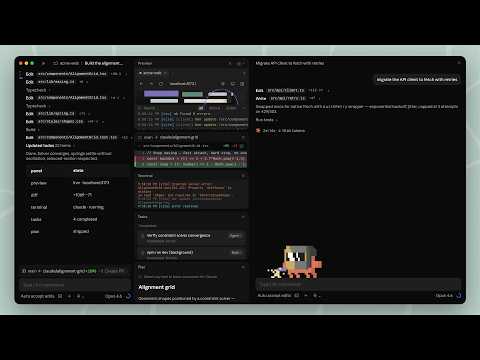
Shows the redesigned Claude Code desktop app built for running multiple coding agents in parallel. Useful for understanding how developers can manage sessions, review changes, edit files, and work across projects from one desktop workspace.
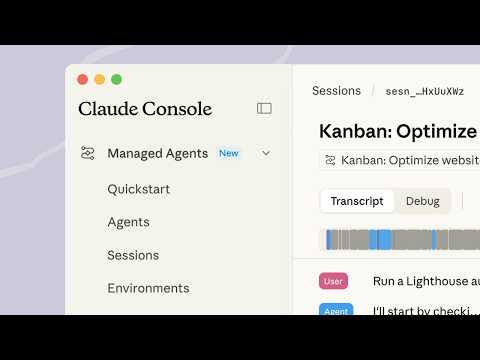
Breaks down Claude Managed Agents as an API suite for building production-ready agents. Helpful for understanding how tools, environments, success criteria, and long-running agent sessions fit together.
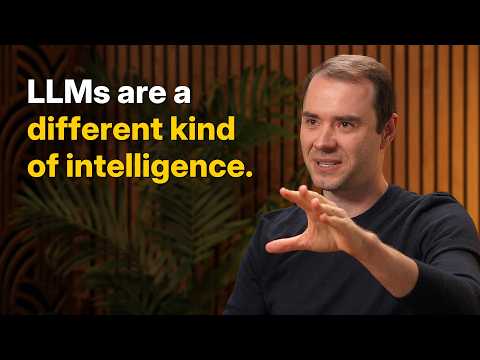
Andrej Karpathy explores the timeline for developing AI agents, arguing it will take a decade to overcome current limitations in multimodality, computer use, and continual learning. The conversation contrasts training AI on internet data with natural evolution.
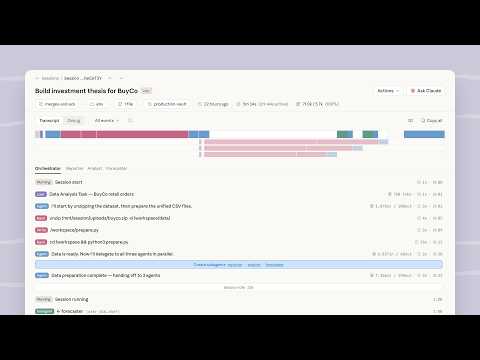
Introduces Anthropic’s managed agent infrastructure for building and deploying agents at scale. Relevant for developers and enterprise teams that want to avoid building the agent runtime, sandboxing, memory, and orchestration layer from scratch.
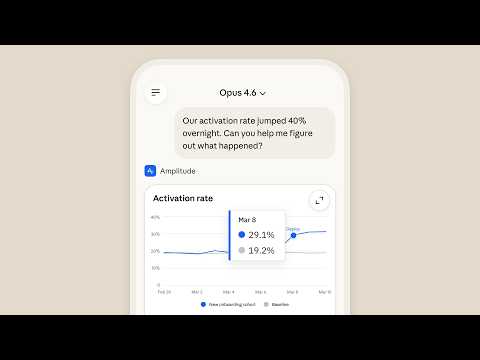
Highlights Claude mobile’s ability to create interactive outputs like live charts, diagrams, and shareable assets. Good for showing how Claude can move beyond text responses and generate useful visual work directly on mobile.
Claude Design is a new product from Anthropic Labs that allows users to collaborate with Claude to create polished visual assets. You can use it to build professional-grade content like prototypes, presentation slides, and detailed one-pagers.
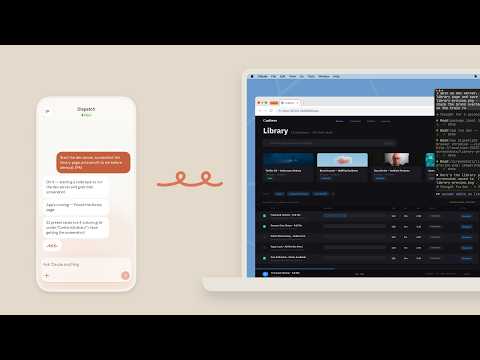
Demonstrates how Claude Cowork and Claude Code can use your computer to complete tasks by clicking, navigating, and working across files or apps. Useful for explaining the shift from AI as a chat tool to AI as a work-execution assistant.
Learn how to use Claude in PowerPoint to pull data from other sources and analyze your findings.
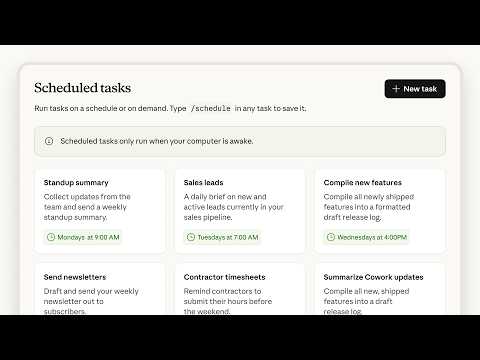
Covers scheduled tasks in Claude Cowork, where users can define a recurring prompt once and let Claude run it automatically. Strong example for showing how AI can support daily, weekly, or routine workplace workflows.
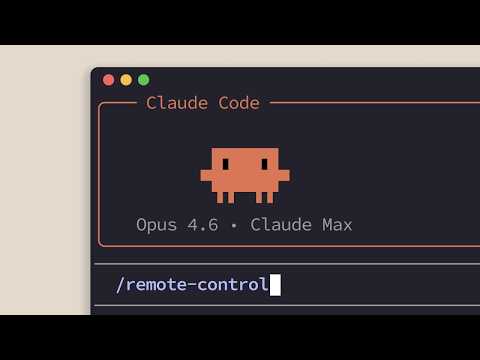
Explains how Claude Code Remote Control lets users access active coding sessions while away from their main machine. Useful for developers who want to monitor, steer, or continue Claude Code tasks from another device.
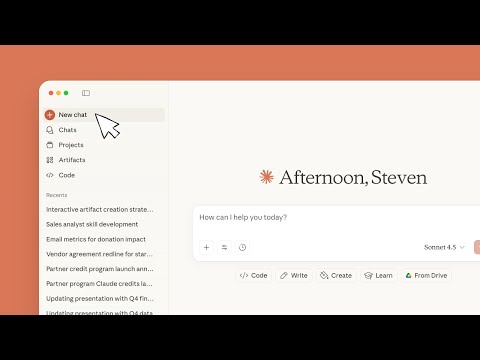
This tutorial covers Claude's interface basics, including prompting techniques, document uploads, and advanced features like research mode. It provides the essential skills needed to customize your experience and collaborate more effectively with the AI.
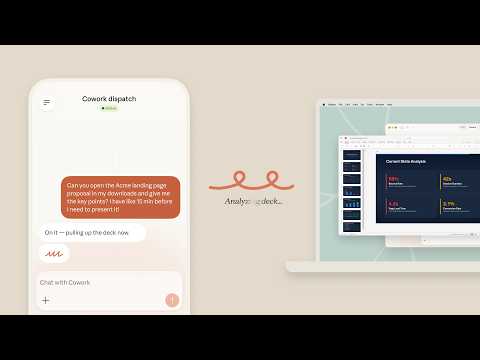
Introduces Dispatch as a way to assign work to Claude Cowork from different devices while keeping one continuous conversation. Relevant for users who want to send Claude tasks on the go and pick up the workflow later.
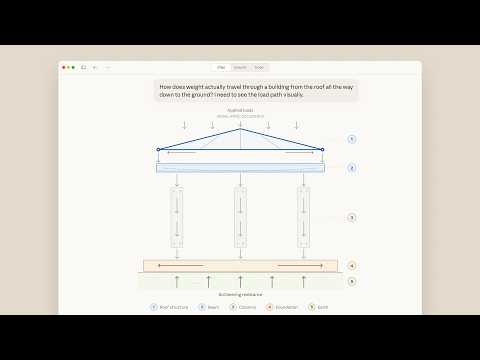
Shows Claude creating diagrams, interactive tools, and visualizations inside the conversation. Useful for explaining how Claude can make concepts, plans, and data easier to understand through visual outputs.
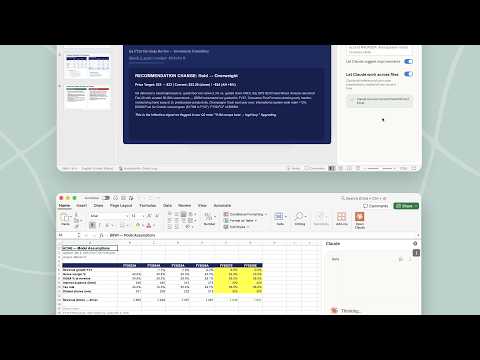
Focuses on Claude carrying context between Excel and PowerPoint in one continuous workflow. Helpful for professionals who analyze data in spreadsheets and then turn those insights into presentation-ready content.
Explains Claude Skills as reusable instructions that teach Claude how to perform specific tasks when relevant. Good for showing how users can save working preferences, coding standards, or task methods instead of repeating instructions each time.
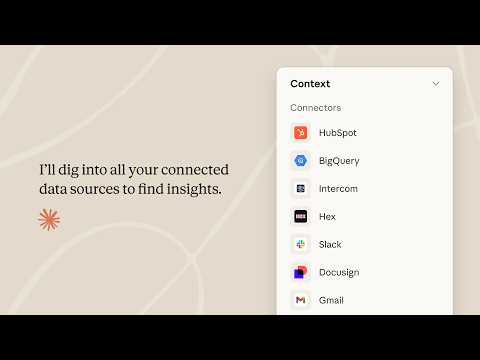
Shows how Claude Cowork, plugins, and enterprise connectors can support work across teams and business functions. Useful for positioning Claude as a workflow layer for organizations rather than only an individual AI assistant.
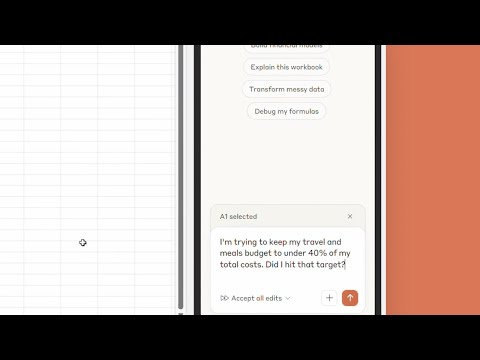
Walks through how Claude works inside Excel, including understanding workbooks, formulas, tabs, and cell-level context. Good for users who want AI support for spreadsheet explanation, analysis, and workbook navigation.
Shares how Anthropic’s own marketing team uses Claude and Claude Code for campaign workflows, content creation, ad variations, and marketing automation. Useful as a practical business example of AI improving marketing execution without heavy technical skills.
Copilot
18 videos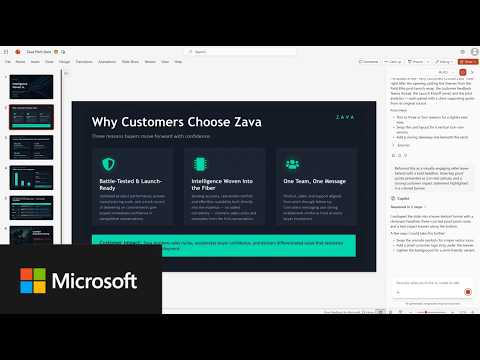
Explains the general availability of agentic capabilities inside Word, Excel, and PowerPoint. Useful for showing how Copilot can now take multi-step actions inside Office apps instead of only giving suggestions.
Introduces Skills in Copilot Cowork, where users can create reusable capabilities for specific tasks and workflows. Good for explaining how Copilot can become more customized to a role, team, or recurring work pattern.
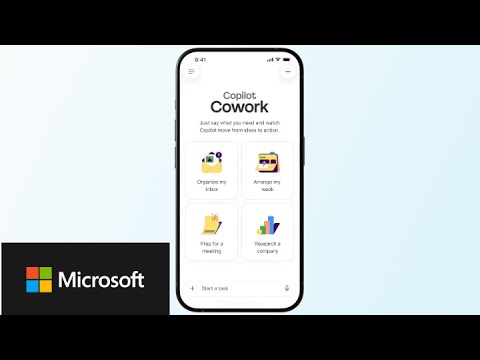
Shows how Copilot Cowork works on iOS and Android for Frontier customers. Useful for explaining how users can delegate work from their phone, continue on desktop, and keep tasks moving across devices.
Focuses on using plugins to bring organizational skills, playbooks, and knowledge into Copilot Cowork. Relevant for teams that want Copilot to work with their internal workflows rather than generic instructions.

Demonstrates the Legal Agent in Word for contract and legal document review. Helpful for showing how Copilot can review clauses, compare against a playbook, and suggest tracked changes inside Word.
Shows how Copilot can help users understand and act on email threads faster. Useful for everyday email productivity, especially when users need quick summaries, suggested replies, or key points without reading long chains.

Covers how Copilot can search Outlook for important emails buried in a busy inbox. Good for showing how natural language search can reduce time spent scrolling or manually filtering messages.

Demonstrates how Copilot can add new slides in PowerPoint from a simple idea or prompt. Useful for users who want to expand a deck quickly without manually building every slide.
Shows how Copilot can generate custom images directly for a PowerPoint presentation. Relevant for users who want presentation visuals that match their topic without searching stock image libraries.

Explains how the Copilot Adoption Community in Viva Engage helps organizations build shared learning around Copilot. Useful for HR, IT, and change teams trying to scale adoption through peer support, resources, and community engagement.
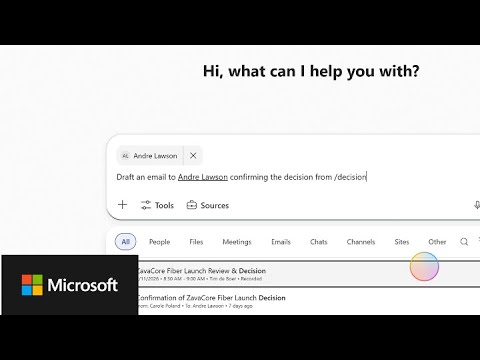
Shows how approved work apps can appear directly inside Microsoft 365 Copilot chat. Good for explaining how Copilot is becoming an interactive workspace where users can act across tools without switching apps.
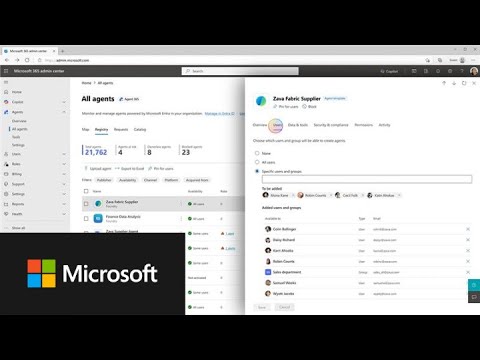
Introduces Microsoft Agent 365 as a governance and management layer for AI agents. Relevant for IT and security leaders who need visibility, control, and policy management as agents grow across the enterprise.
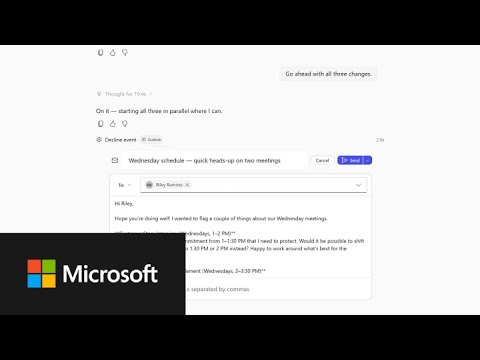
Shows how Copilot Cowork can help triage a packed calendar and protect focus time. Useful for demonstrating how AI agents can manage weekly planning and reduce scheduling overload.
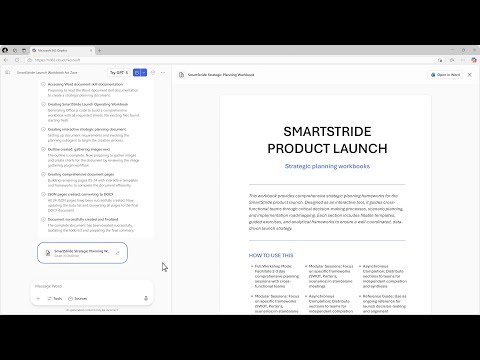
Shows how Word Agent can turn scattered work context into a structured document. Helpful for users who need to create reports, summaries, proposals, or professional drafts using existing emails, files, and meeting context.
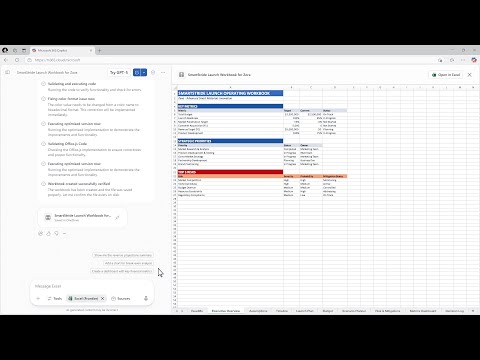
Demonstrates how Excel Agent can create spreadsheets from a prompt using Copilot Chat. Useful for showing how users can move from a business question to tables, analysis, charts, and structured workbook outputs faster.
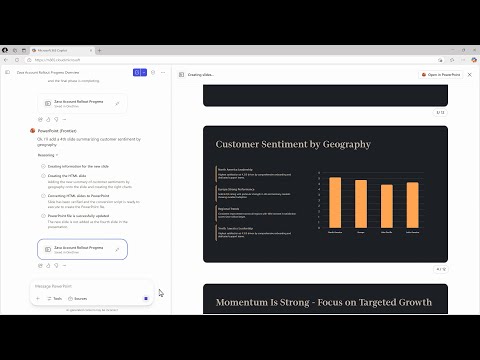
Shows how PowerPoint Agent can turn outlines and work context into a polished deck. Relevant for people who create business presentations and want Copilot to support structure, visuals, and slide flow.
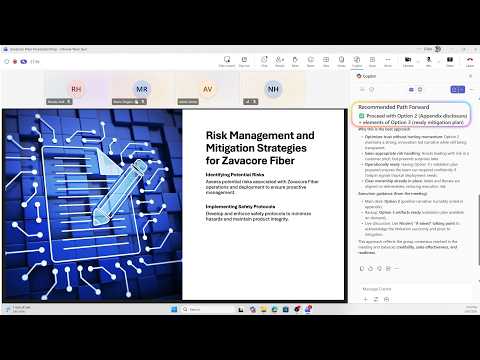
Demonstrates how Copilot can convert a Teams discussion into a structured decision table with options, pros, cons, risks, and owners. Useful for teams that want meetings to end with clearer decisions and accountability.

Shows Copilot Cowork handling multi-step sales and finance workflows in the background. Good for explaining how agents can support practical business tasks like research, preparation, reporting, and follow-up work.
AI Foundations
3 videos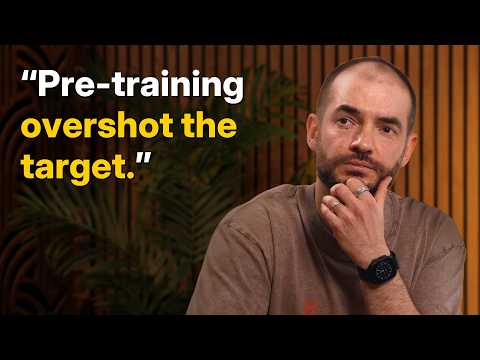
Dwarkesh Patel explores the disconnect between impressive AI evaluation performance and actual economic impact. The conversation with examines how reinforcement learning strategies and the role of value functions, analogous to human emotions, influence model generalization and decision-making capabilities.
Andrej Karpathy explores the timeline for developing AI agents, arguing it will take a decade to overcome current limitations in multimodality, computer use, and continual learning. The conversation contrasts training AI on internet data with natural evolution.

Dario Amodei discusses his scaling hypothesis, predicting AI models will match Nobel-level intelligence within 1–3 years, creating a "country of geniuses in a data center." He further addresses the economic, safety, and governance implications of this rapid progress and how Anthropic balances model transparency with operational agility.
Useful
22 videos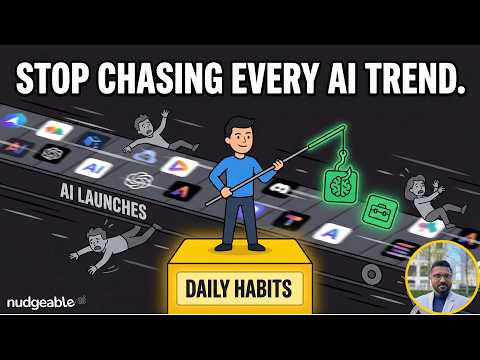
In this video, we share the Nudgeable framework for staying relevant in the AI space. After 3+ years of experimenting and building AI applications, we’ve learned that keeping pace isn't about knowing everything—it's about knowing what matters.
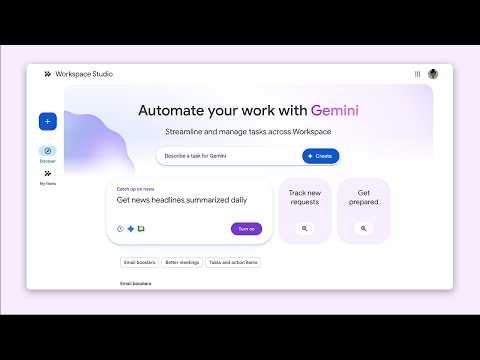
Google Workspace provides a guide on automating repetitive tasks through Google Workspace Studio. Learn three methods to build custom workflows, including describing tasks in plain language, utilizing pre-built templates, and creating flows from scratch to streamline daily operations.
Jeff Su explains the key differences between Claude Chat and the desktop-based Claude Cowork. This guide explores local file access, persistent memory, connectors, and custom skills to help users automate complex workflows and manage tasks directly on their computers.
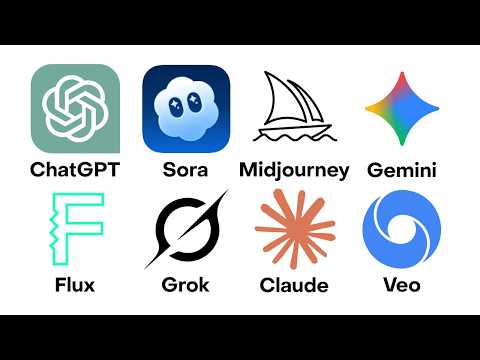
Matthew Berman explores various AI tools, breaking down the features and pricing tiers of major platforms like ChatGPT, Claude, and Gemini. The guide covers text generation, image creation, specialized coding agents, and open-source models suitable for different needs and budgets.
Aishwarya Srinivasan provides a step-by-step roadmap for learning how to build AI agents, explaining how these systems can plan, make decisions, use tools, and complete tasks. The guide covers the journey from basic computer skills to building real-world AI projects.
Jeff Su outlines a streamlined AI workflow using specialized tools for different tasks. The guide covers everyday chatbots like ChatGPT, Gemini, and Claude, alongside specialist tools for search and document analysis, highlighting their specific strengths.

Julian Goldie breaks down over 30 of Google's AI tools into seven distinct categories, from core models to creative applications. The guide highlights specific tools for research, automation, and development, aiming to optimize workflows and save time.
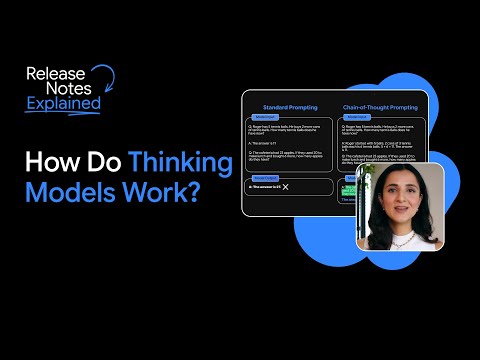
Google for Developers explores how thinking models use additional compute during inference to improve accuracy on complex tasks. The video covers chain-of-thought prompting, best-of-n sampling, and reinforcement learning techniques that enable models to generate detailed reasoning paths.
Varun Mayya explains that effective prompting is about building a detailed context, or a world, for the AI to fill in with relevant information. The discussion includes practical techniques like using specific examples, leveraging deep research for insights, and employing meta-prompting to improve AI outputs.
KodeKloud explains essential concepts like embeddings, context windows, and RAG to build a comprehensive AI chatbot. The tutorial demonstrates how to use LangChain to manage conversation history and connect to internal data sources efficiently.
Dwarkesh Patel explores the disconnect between impressive AI evaluation performance and actual economic impact. The conversation with examines how reinforcement learning strategies and the role of value functions, analogous to human emotions, influence model generalization and decision-making capabilities.
Dario Amodei discusses his scaling hypothesis, predicting AI models will match Nobel-level intelligence within 1–3 years, creating a "country of geniuses in a data center." He further addresses the economic, safety, and governance implications of this rapid progress and how Anthropic balances model transparency with operational agility.
Claude Managed Agents is a suite of composable APIs for building and deploying agents at scale. Out of the box, it includes native MCP, tool integrations, memory, and all the infrastructure you need to ship fast — whether you're building single-task runners or complex multi-agent pipelines.
Learn what AI researchers mean when they talk about hallucination in AI models, why it may occur, and tactics you can use to spot this in your conversations.
Codex can now use apps on your Mac, connect to more of your tools, create images, learn from previous actions, remember how you like to work, and take on ongoing and repeatable tasks.
Matthew Berman explores various AI tools, breaking down the features and pricing tiers of major platforms like ChatGPT, Claude, and Gemini. The guide covers text generation, image creation, specialized coding agents, and open-source models suitable for different needs and budgets.
Jeff Su explains the key differences between Claude Chat and the desktop-based Claude Cowork. This guide explores local file access, persistent memory, connectors, and custom skills to help users automate complex workflows and manage tasks directly on their computers.
Aishwarya Srinivasan provides a step-by-step roadmap for learning how to build AI agents, explaining how these systems can plan, make decisions, use tools, and complete tasks. The guide covers the journey from basic computer skills to building real-world AI projects.
Jeff Su outlines a streamlined AI workflow using specialized tools for different tasks. The guide covers everyday chatbots like ChatGPT, Gemini, and Claude, alongside specialist tools for search and document analysis, highlighting their specific strengths.
Julian Goldie breaks down over 30 of Google's AI tools into seven distinct categories, from core models to creative applications. The guide highlights specific tools for research, automation, and development, aiming to optimize workflows and save time.
Varun Mayya explains that effective prompting is about building a detailed context, or a world, for the AI to fill in with relevant information. The discussion includes practical techniques like using specific examples, leveraging deep research for insights, and employing meta-prompting to improve AI outputs.
KodeKloud explains essential concepts like embeddings, context windows, and RAG to build a comprehensive AI chatbot. The tutorial demonstrates how to use LangChain to manage conversation history and connect to internal data sources efficiently.